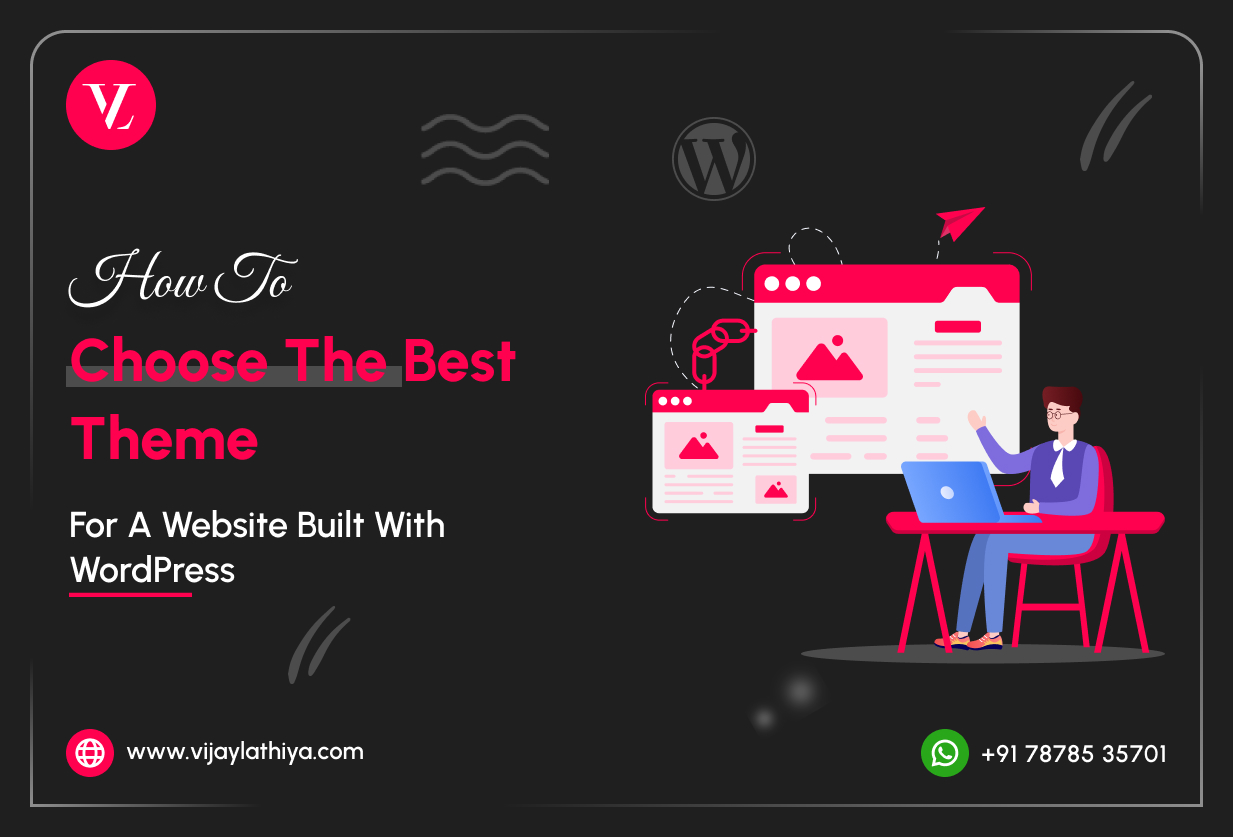
Choosing the right theme is the foundation of a successful WordPress website. When you Choose Best WordPress Theme, you ensure better design, performance, and a smooth user experience from the very beginning.
A well-optimized WordPress theme helps your website load faster, stay mobile-friendly, and scale as your business grows. Selecting a theme that supports customization and SEO will make building and managing your website much easier.
This guide helps you understand key factors to consider when choosing a WordPress theme, making the decision easier and helping you build your website with confidence.
Understand Your Website’s Purpose First
Before browsing themes, clearly define why your website exists.
Ask yourself:
- Is it a business website, blog, portfolio, or eCommerce store?
- Do you need booking, forms, membership, or online selling?
- Will the website grow with new pages, products, or features?:
👉 A corporate website theme won’t work well for WooCommerce site, and a blog theme may not suit a service-based business.
Pro Tip: Choose a theme designed for your specific business goal, not just one that looks good in the demo.
Choose a Lightweight & Performance-Optimized Theme
Website speed is a ranking factor for SEO and critical for user experience.
A good WordPress theme should:
- Load fast with minimal CSS & JavaScript
- Avoid unnecessary animations and sliders
- Work well with caching and performance plugins:
🚫 Avoid themes that include everything by default. Extra features = slower website.
Ensure Mobile Responsiveness (Non-Negotiable)
More than 70% of users browse on mobile devices, so when you Choose Best WordPress Theme, it must look and work perfectly on:
- Mobile phones
- Tablets
- Large screens
Check:
- Mobile menu usability
- Button spacing
- Text readability
- Touch-friendly design
📱 Google prioritizes mobile-first indexing, so responsiveness directly impacts SEO.
Check Compatibility with Page Builders
Most modern WordPress websites use page builders like:
- Elementor
- Gutenberg (Block Editor)
- WPBakery
Your theme should:
- Fully support your chosen page builder
- Allow layout control without coding
- Avoid design lock-in
✅ Builder-friendly themes give you design flexibility without theme change later.
SEO-Friendly Structure Is a Must
A good theme should be built with SEO best practices:
- Clean & valid HTML markup
- Proper heading hierarchy (H1–H6)
- Schema-ready structure
- Fast loading speed
⚠️ Even the best SEO plugin can’t fix a poorly coded theme.
Customization Options Without Coding
Your theme should allow easy customization, such as:
- Logo, colors, and typography
- Header & footer layouts
- Blog and page templates
- Global styling options
Look for:
- WordPress Customizer support
- Theme options panel
- Reusable templates
🎨 This saves time, cost, and dependency on developers for small changes when you Choose Best WordPress Theme.
Regular Updates & Active Support
A theme is not a one-time purchase – it’s a long-term dependency
Check:
- Last update date (should be recent)
- Compatibility with the latest WordPress version
- Active developer support
- Documentation quality
❌ Avoid themes that haven’t been updated in 6–12 months.
Plugin Compatibility & Clean Integration
Your theme must work smoothly with essential plugins when you Choose Best WordPress Theme:
- SEO plugins
- Security plugins
- Caching plugins
- WooCommerce (if applicable)
- Contact form plugins
A good theme:
- Doesn’t duplicate plugin functionality
- Follows WordPress coding standards
- Avoids hard dependencies
Free vs Premium Theme – What’s Better?
| Free Theme | Premium Theme |
|---|---|
| Limited customization | Advanced controls |
| Basic support | Dedicated support |
| Good for small sites | Ideal for business websites |
| Fewer updates | Regular updates |
💡 For business, eCommerce, or long-term projects, a premium theme is usually a better investment.
Avoid Theme Lock-In & Over-Designed Demos
Many themes look amazing in demos but are:
- Hard to customize
- Dependent on shortcodes
- Difficult to migrate later
Choose a clean, flexible base theme and build design using a page builder instead of relying on demo imports.
Final Thoughts
Choosing the best WordPress theme is about strategy, not appearance alone.
A perfect theme should be:
- Fast & lightweight
- Mobile-friendly
- SEO-ready
- Easy to customize
- Actively maintained
- Scalable for future growth
👉 If you Choose Best WordPress Theme at the start, you save time, money, and redesign costs later.
Need Expert Help Choosing or Customizing a WordPress Theme?
With 15+ years of WordPress experience, I help businesses select, customize, and optimize the right theme for long-term success.
📩 Reach out anytime for professional WordPress consultation & development support.