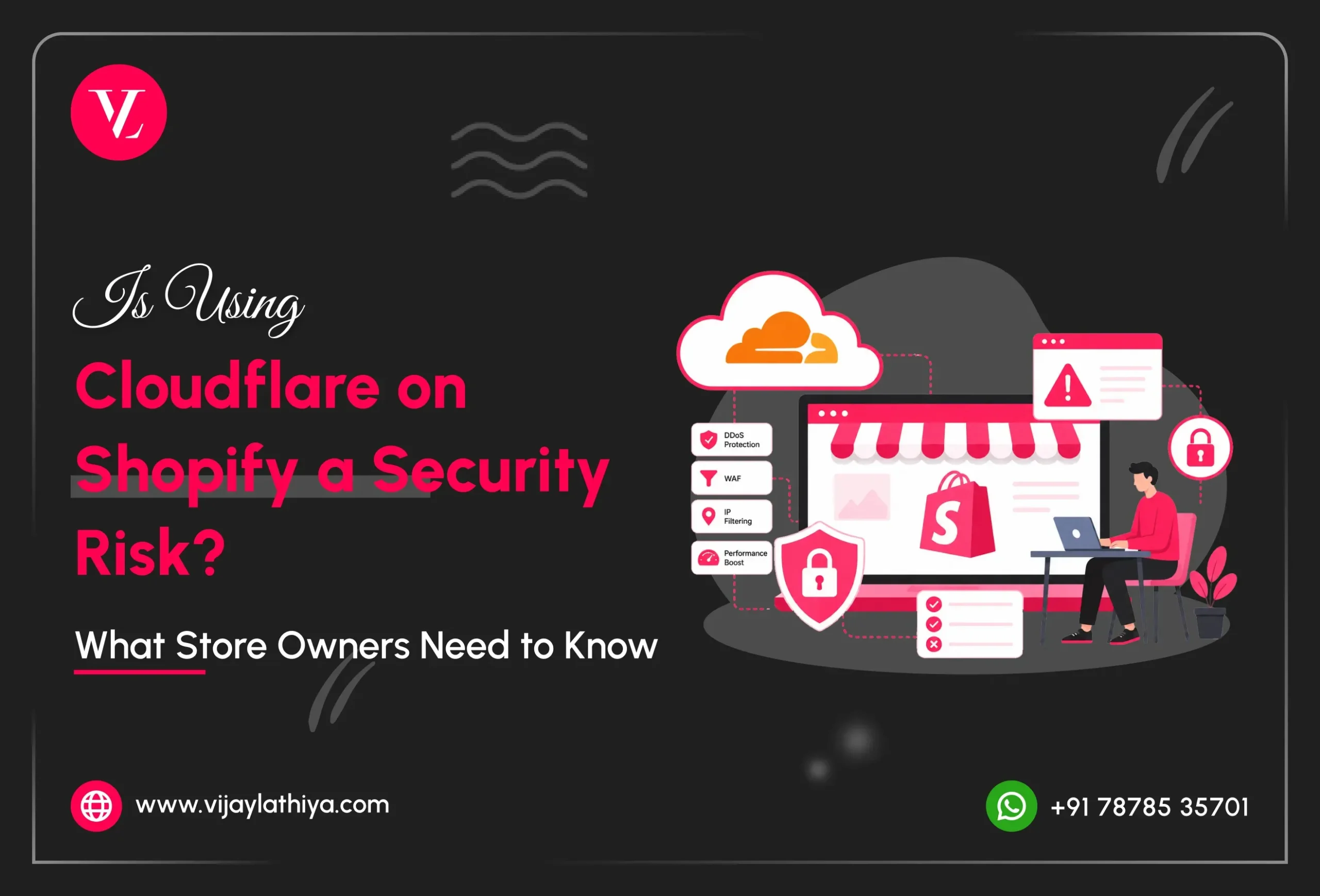
Many Shopify store owners have questions about Cloudflare on Shopify security. While Cloudflare can improve website speed, block malicious traffic, and add an extra layer of protection, Shopify already includes built-in security features. This leaves many merchants wondering whether using Cloudflare is necessary or if it could create security or performance issues.
The simple answer is that Cloudflare is not a security risk for Shopify when it’s set up correctly. In fact, it can help protect your store from cyber threats and improve site performance. However, incorrect DNS, SSL, or caching settings can cause problems with your store. In this guide, you’ll learn the benefits, possible risks, and best practices for using Cloudflare with Shopify so you can decide if it’s the right choice for your business.
The Reality : Shopify Already Uses Cloudflare
- Automatic SSL certificates for secure connections.
- Enterprise-grade DDoS protection against cyberattacks.
- Level 1 PCI DSS compliance for secure payment processing.
- A global CDN to improve website speed and performance.
How Adding Another Cloudflare Layer Can Create Problems
1. Checkout Problems
When it comes to Cloudflare on Shopify Security, one common issue is checkout compatibility. Shopify manages checkout on its own secure servers, so an external Cloudflare configuration can sometimes cause slow loading, checkout errors, or failed transactions.2. SSL and Security Errors
If your Cloudflare SSL settings don’t match Shopify’s configuration, visitors may see security warnings like “This connection is not private” or “Bad Gateway.” These errors can reduce customer trust and lead to lost sales.3. Slower Website Performance
Since Shopify already uses Cloudflare’s network, adding another Cloudflare proxy can create unnecessary routing. This may slow down your website, impact SEO, and reduce conversion rates by making pages take longer to load. Not sure if your Shopify store is configured correctly? An experienced Shopify expert can identify hidden issues before they affect your business.Where the Real Shopify Security Risks Are
1. Third-Party Apps
Every app you install gets access to certain parts of your store. Unused, outdated, or poorly developed apps can increase security risks and expose sensitive customer or business data. Regularly review your installed apps and remove any that you no longer use.2. Staff Access and Permissions
Not everyone needs full admin access. Giving employees, freelancers, or agencies more permissions than they need increases the risk of accidental mistakes, phishing attacks, and unauthorized changes. Following the principle of least privilege helps keep your store secure.3. Outdated Themes and Custom Code
Old theme files, unused scripts, and poorly written custom code can create performance issues and leave your store vulnerable. Keeping your theme, integrations, and custom code clean and up to date improves both security and user experience.Secure Your Store the Right Way
Need a Shopify Security & Performance Audit?
If you’re unsure whether your Shopify store is secure, fast, and properly configured, I can help. I provide professional Shopify audits to identify security risks, optimize theme performance, review third-party apps, and resolve technical issues before they impact your business.
My services include:
- Shopify security audits
- Theme code optimization
- Website speed optimization
- Third-party app audits
- DNS and SSL configuration
- Shopify maintenance and technical support
Ready to improve your Shopify store? Contact me today for a professional Shopify audit and personalized recommendations.